
About AI Photoshop Clone
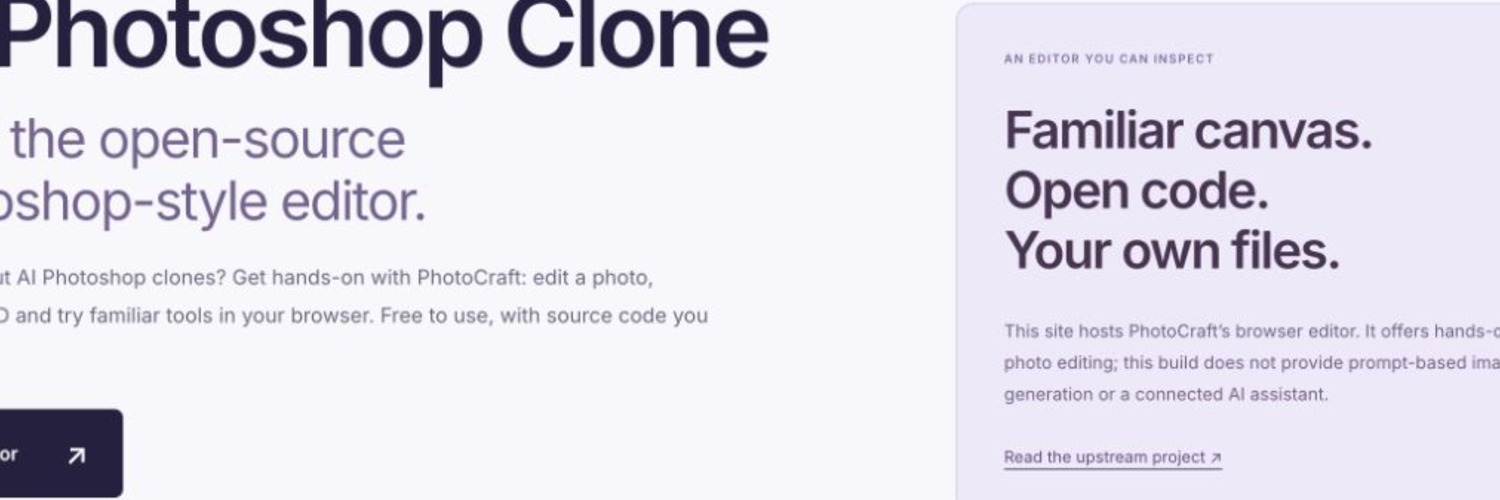
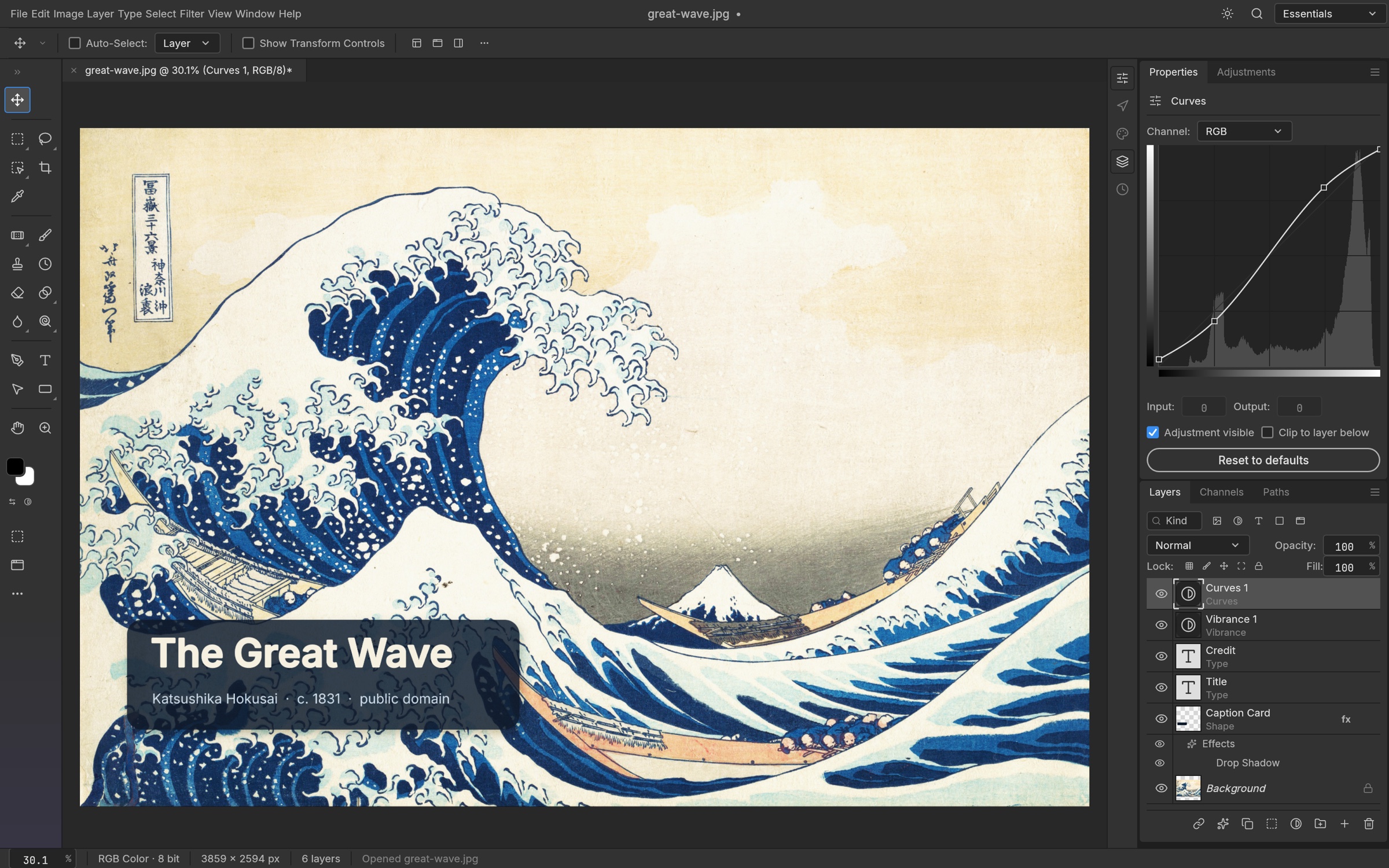
An independently maintained browser entry point for ArtCraft’s PhotoCraft v0.8.2, with practical guides for a first edit, recoverable project files and PNG export.
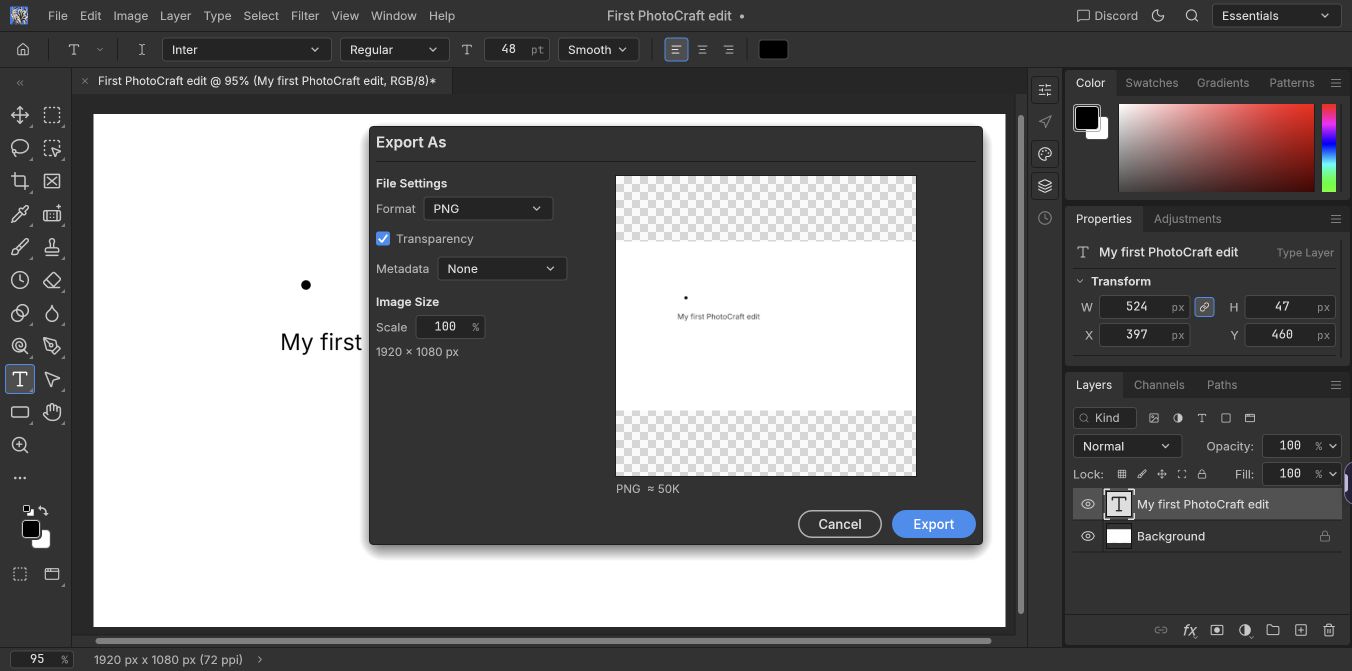
Before using a browser photo editor for important work, make a small edit and check both outputs: save a project copy for later editing, export a PNG, and open the exported image separately to inspect it. Our independent hosting site at https://aiphotoshopclone.com/ provides an entry point and practical guidance for this workflow.
PhotoCraft.design (https://photocraft.design/) is our other hosting and documentation site for the same editor. We maintain these websites and deployment configuration. The editing engine is PhotoCraft v0.8.2, created by the ArtCraft team and contributors; upstream source: https://github.com/storytold/photocraft.
The deployment is an early alpha. Check PSD imports with a disposable copy before relying on their appearance, and keep the original file. There is no autosave or crash recovery, and no connected generative-AI service. Save a recoverable project and inspect the final export before closing the tab.
How we collaborate
Highlights
- Free browser entry point without an editor account
- Guidance for project backups and checking PNG exports
- Clear upstream credit and alpha compatibility limits
Reviews
Gallery

Location
Location shown on map (Beijing, China). Exact address is shared after you connect.